Education planning, made clearer
Your future starts with a clearer plan.
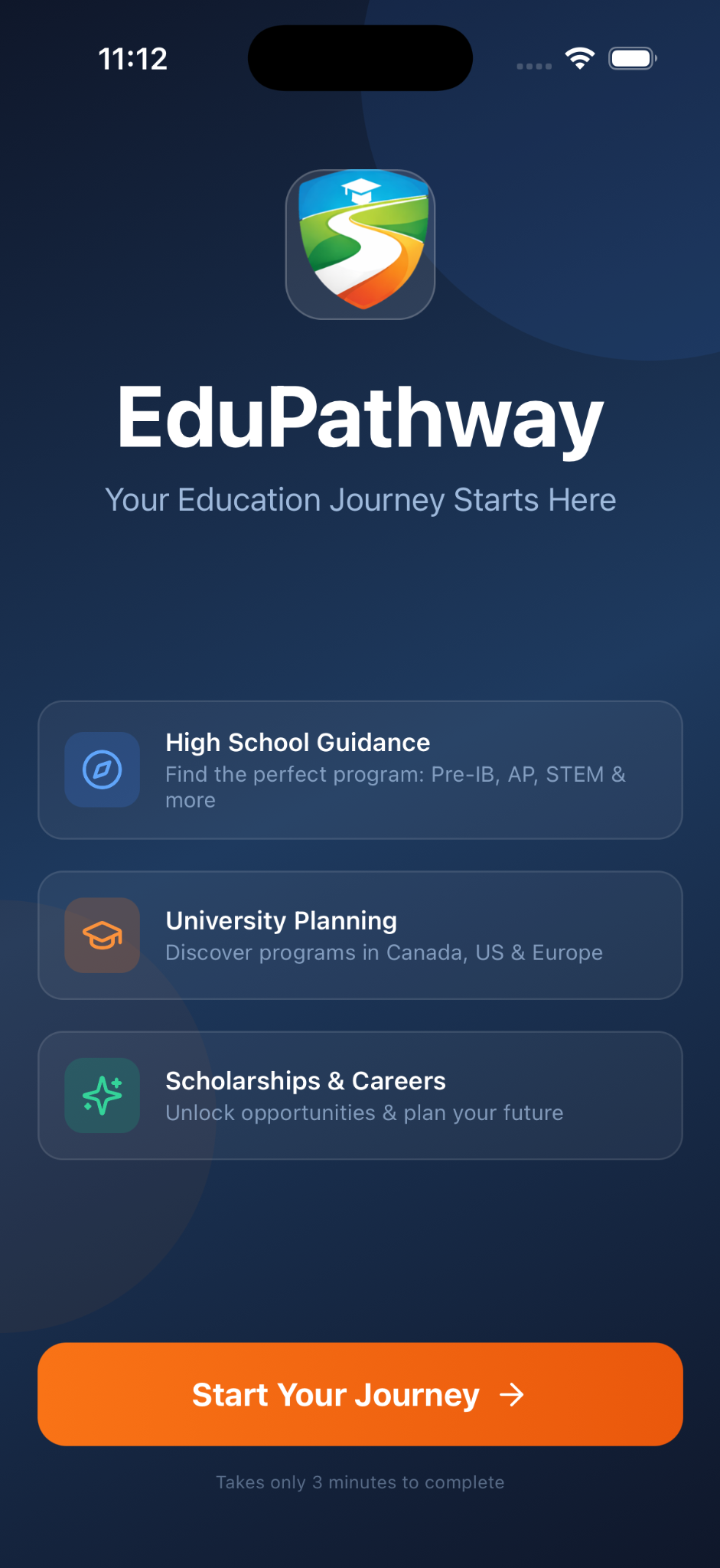
Find education options that fit your interests, explore funding opportunities, and organize your next steps with EduPathway.


- Personalized education options
- Scholarship and funding discovery
- Planning tools for your next stage
Choose your stage
Support for the stage you’re in.
Grades 7–8
Discover high-school options and programs that connect with your emerging interests.
High school
Explore colleges, universities, programs, careers, funding, and your application plan.
First-year postsecondary
Organize courses, grades, tasks, funding, and first-year academic priorities.
Explore Features
One app, designed for three education stages.
Choose your current stage to see the tools and guidance most relevant to you. Feature availability varies by education stage and plan.
Grades 7–8 · Explore Your Future
Explore interests before high school begins.
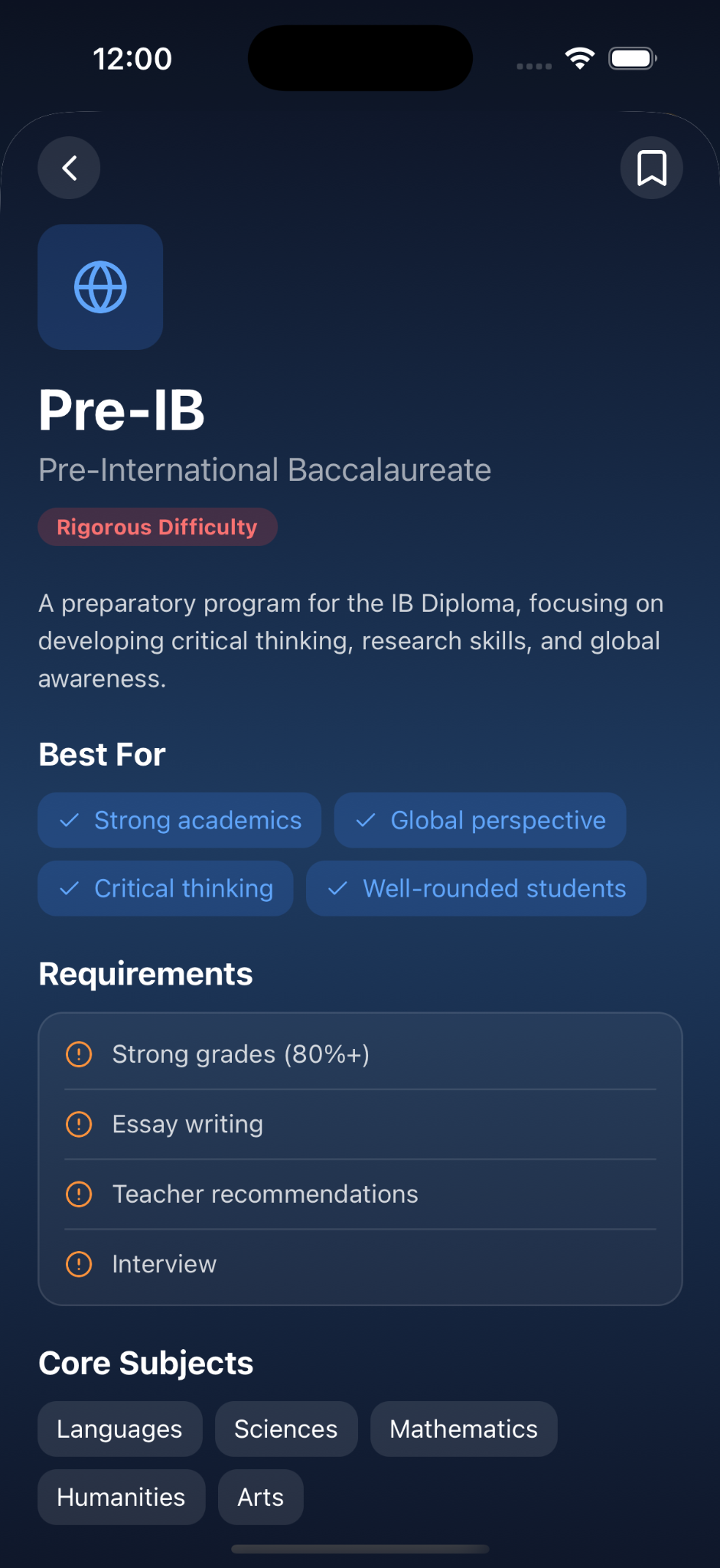
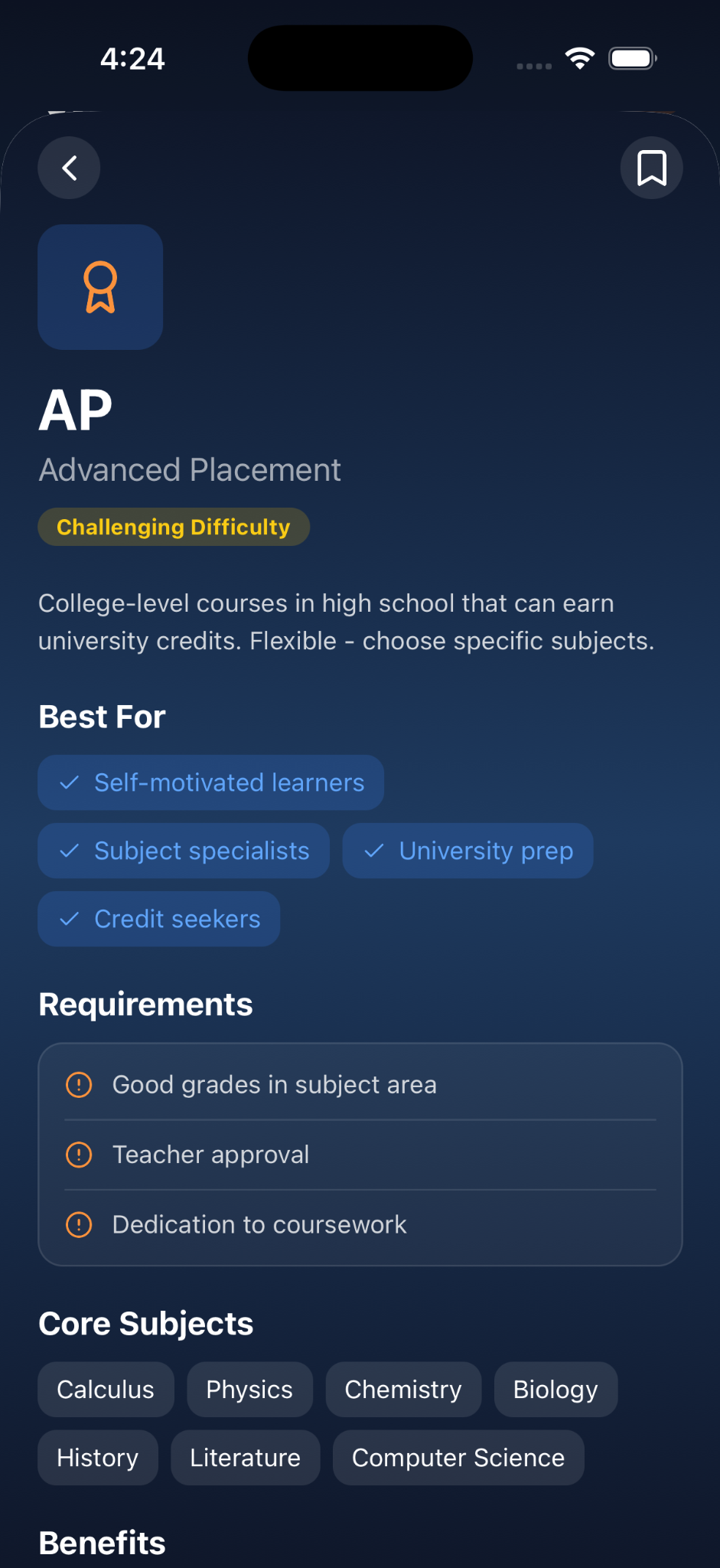
Use EduPathway to discover high-school pathways and programs that connect with your interests, then learn what those options can involve before making decisions.
- Discover interests and possible education pathways.
- Explore high-school options such as AP and Pre-IB where available.
- Get guidance about questions to ask before your next education stage.
Stage note: Grades 7–8 content focuses on high-school exploration. Premium postsecondary planning tools are not presented as middle-school features.
High School · Plan Your Next Step
Turn postsecondary possibilities into an organized plan.
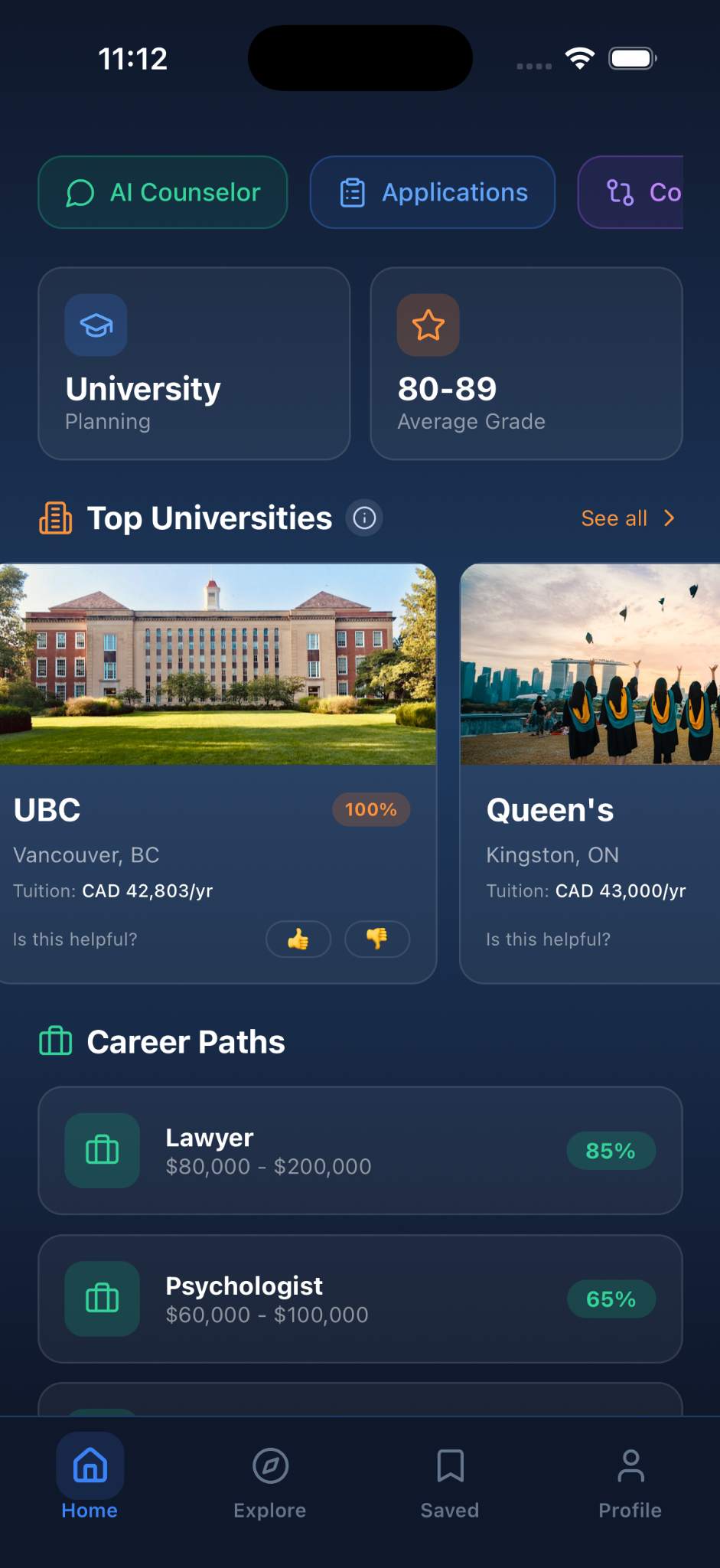
Explore institutions and programs, review career possibilities, discover funding opportunities, compare supported options, and keep application activity visible.
- Explore Canadian universities and supported programs.
- Premium: expanded recommendations and supported exploration in the USA and Europe.
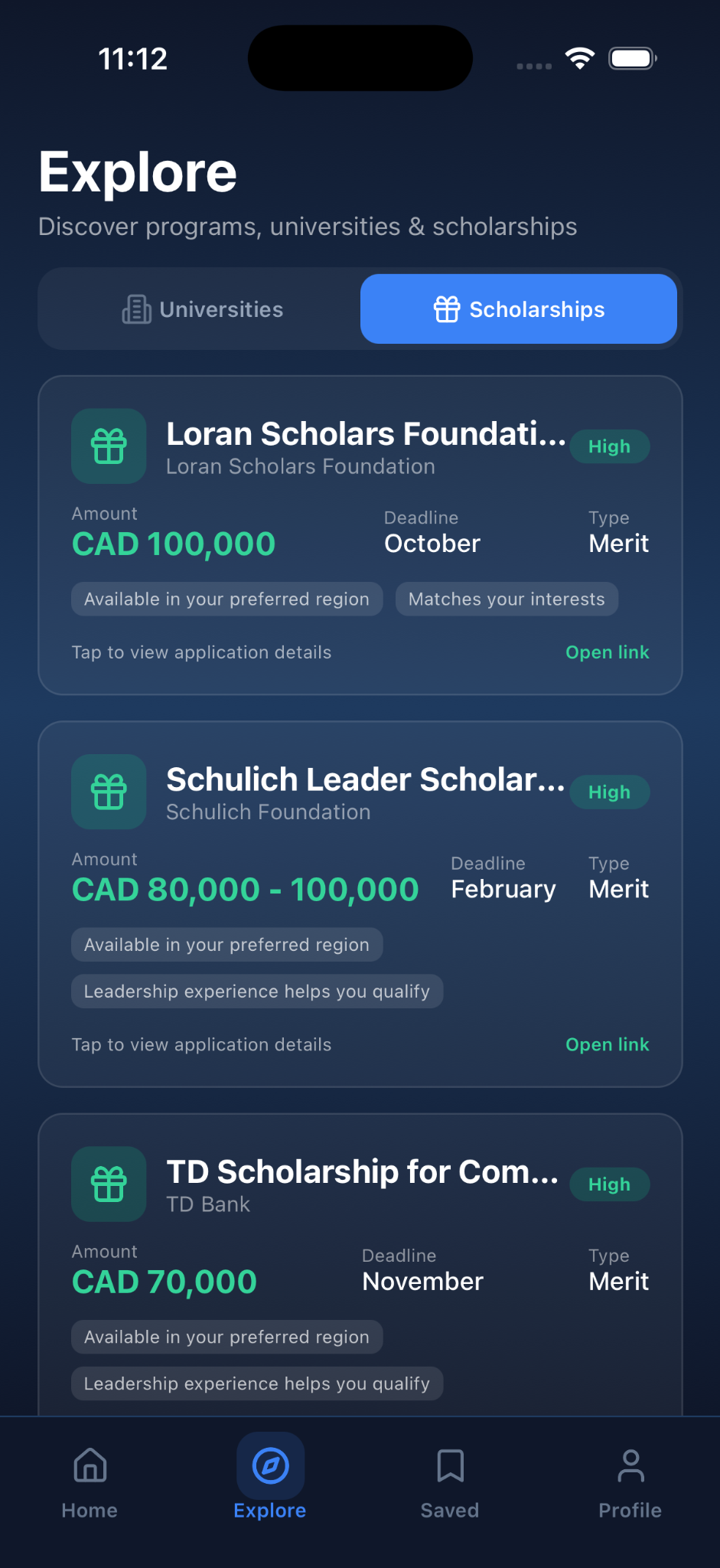
- Discover curated scholarships, bursaries, and grants.
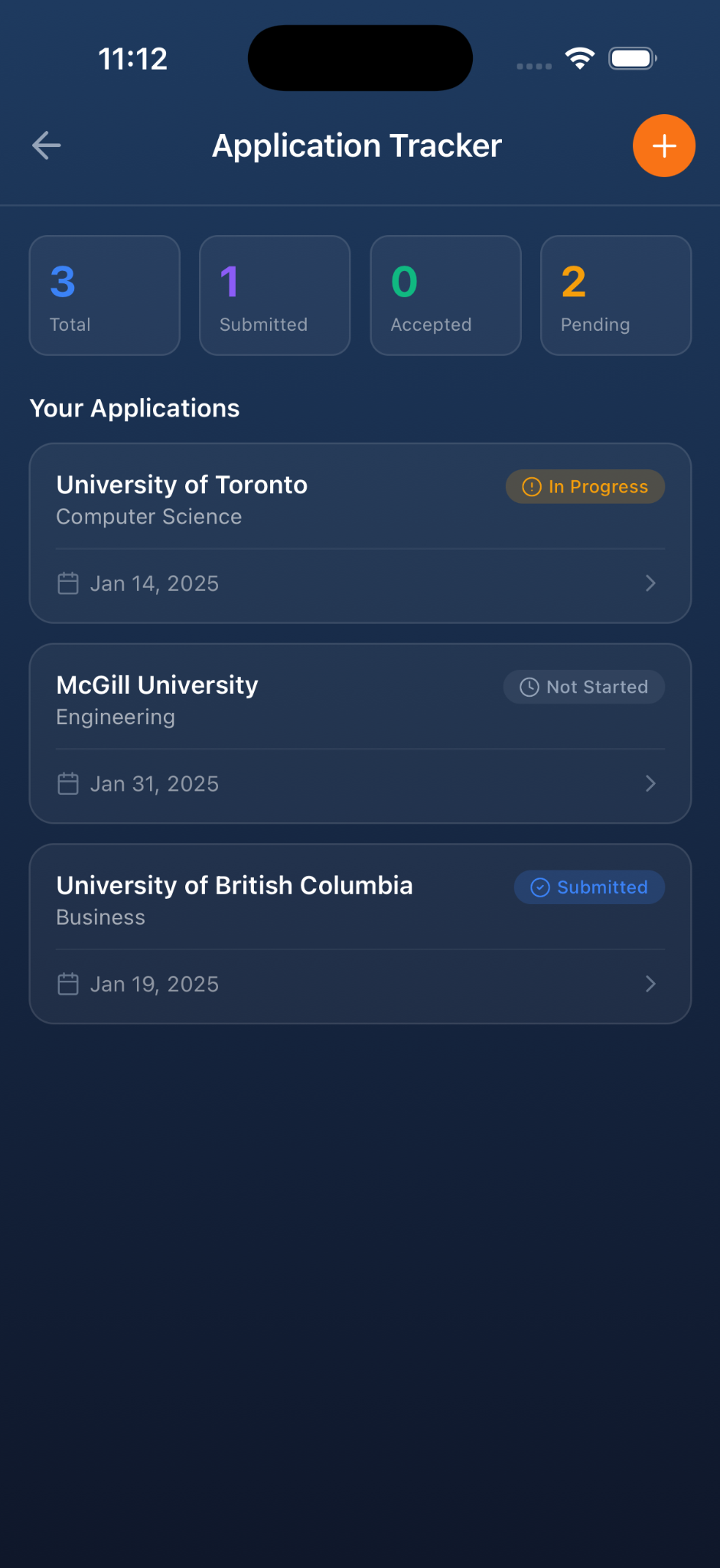
- Premium: Application Tracker, AI Counselor, Comparison Tool, and expanded bookmarks where available under the current plan.
Scholarship listings are periodically reviewed, not live. Always verify requirements, costs, deadlines, and eligibility with the official institution or provider.
First Year · Stay Organized
Bring first-year priorities into one place.
Use the First-Year Toolkit to organize courses, grades, assignments, exams, tasks, transition checklists, relevant funding, and First-Year Coach guidance.
- Organize courses, credits, grades, assignments, exams, and tasks.
- Use academic checklists to prepare for campus life.
- Explore relevant funding opportunities.
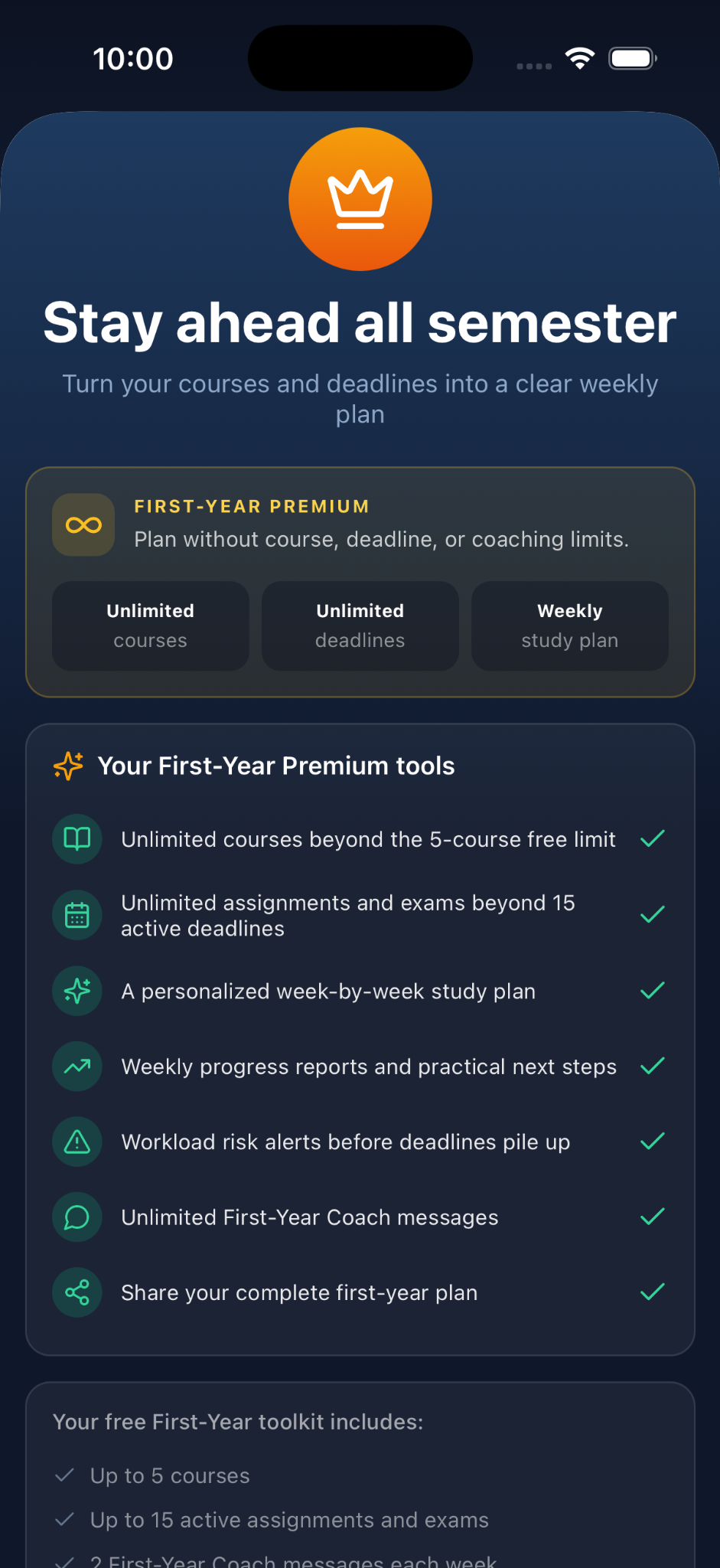
- Premium: expanded course/deadline limits, study planning, progress reports, workload insights, and expanded First-Year Coach access where shown in the current plan.
Ready to plan your next step?
Explore your options and build a clearer education plan with EduPathway.
Personalized recommendations
Discover options that fit you.
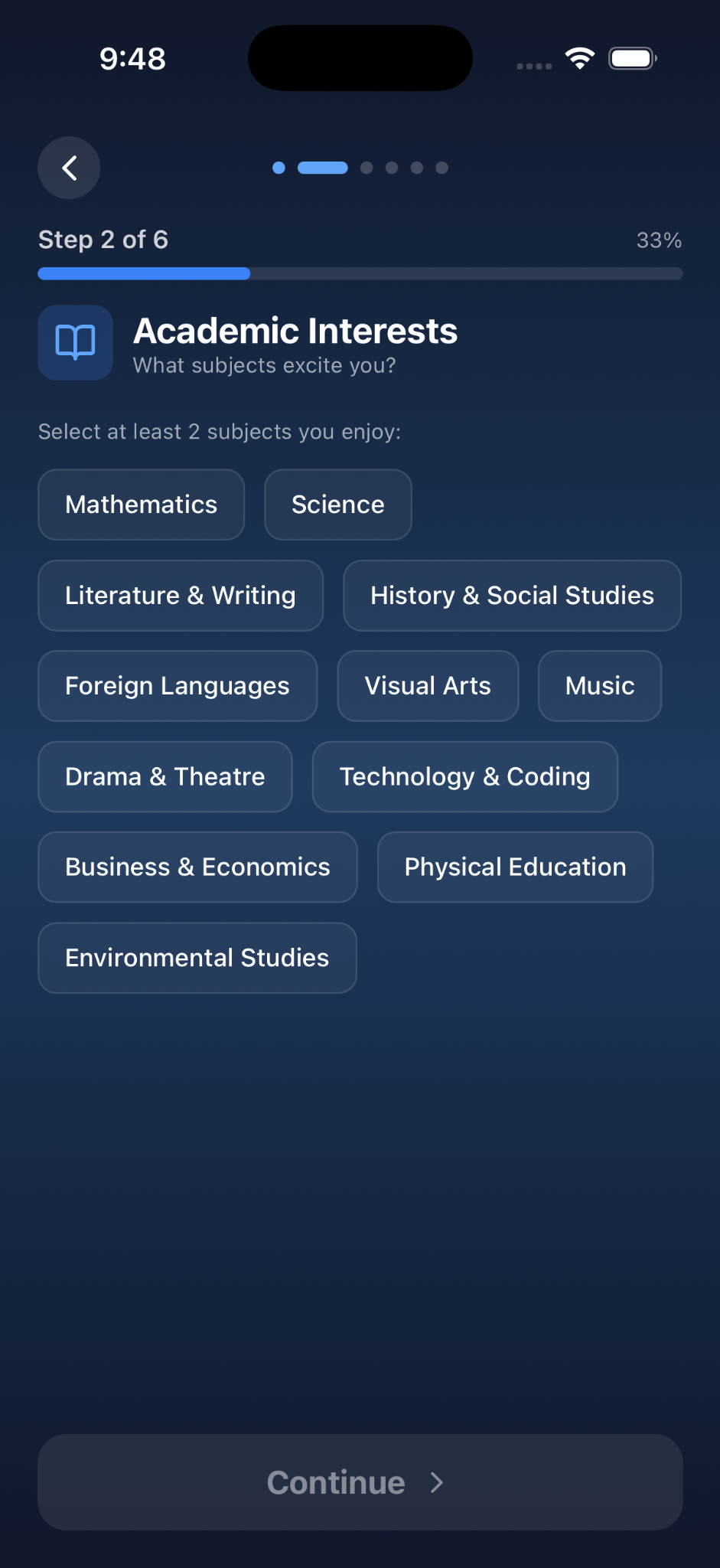
EduPathway uses your interests, strengths, academic information, and preferences to suggest education options worth exploring. Review possibilities, compare supported information, and confirm official requirements with institutions.
Scholarships & funding
Make funding part of the plan.
Explore a curated selection of scholarships, bursaries, and grants for high-school applicants and current undergraduate students. Listings can include eligibility information, published dates, and links to official providers.
Funding listings are periodically reviewed, not live. Some awards require school nomination or institution-specific criteria. Eligibility and funding are never guaranteed.
Application planning
Keep applications organized.
Track applications, deadlines, notes, and status in one place. Use clear stages such as Not started, In progress, and Submitted to keep your next actions visible.
Premium Application Tracker availability is tied to the applicable Premium plan.
Compare education options
Review supported fields side by side to help make a more informed choice. Premium
Save options for later
Bookmark programs, institutions, and supported opportunities so you can return to them. Limits vary by plan.
How it works
Turn possibilities into next steps.
Tell us about yourself.
Share your education stage, interests, strengths, and preferences.
Explore your options.
Review relevant study paths, institutions, and funding opportunities.
Build your plan.
Save options, organize applications, or manage your first-year priorities.
Students + families
More informed conversations about the future.
EduPathway helps organize education choices so students can discuss them more productively with parents, guardians, teachers, and counselors.
- See options together.
- Understand important requirements.
- Identify questions to ask.
- Keep next steps organized.
Access
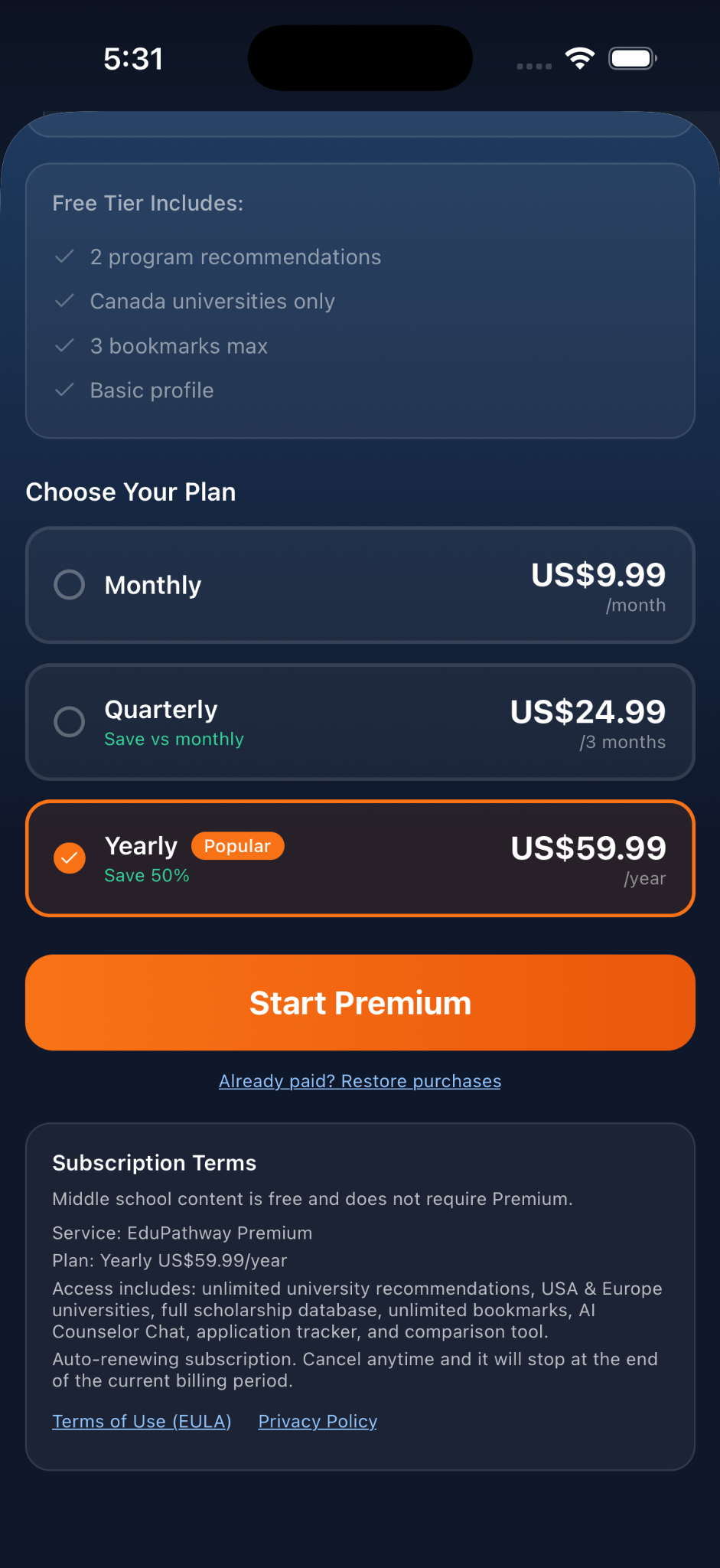
Start free. Explore more with Premium.
Plan details differ between the high-school/postsecondary planning experience and the First-Year Toolkit. The app shows the current entitlements and billing terms before purchase.
Start exploring EduPathway
Use selected recommendations and tools to begin planning your education journey.
Expand your planning toolkit
Access expanded recommendations and additional stage-appropriate planning features.
Feature availability, limits, regions, and pricing vary by plan and education stage. View the current subscription details in the app before purchasing.
Information quality
Education decisions deserve a second look.
EduPathway helps you discover and organize options. Always confirm admissions requirements, scholarship eligibility, deadlines, and costs with the relevant institution or provider.
AI guidance can be incomplete or inaccurate. Check important information before acting.
FAQ
Questions students and families often ask.
What is EduPathway?
EduPathway is an education-planning app that helps students discover suitable study paths, explore scholarships and funding, organize applications, and navigate their first year of college or university.
Who is the app designed for?
EduPathway supports students in Grades 7–8, high school, and the first year of college or university. Parents and guardians can also use the information to support conversations about education choices.
Can it help students who are already in college or university?
Yes. The First-Year Toolkit is designed for students starting or completing their first year and can help organize courses, credits, grades, assignments, exams, tasks, academic checklists, guidance, and relevant funding.
Which countries can I explore?
EduPathway supports exploration across Canada, the United States, and Europe. Region and feature availability can vary by plan.
Does EduPathway guarantee admission or scholarships?
No. EduPathway helps you discover and organize information but does not guarantee admission, funding, grades, employment, or other outcomes.
How should I verify scholarship information?
Use the official provider link and confirm current eligibility rules, nomination requirements, deadlines, and application instructions before applying. EduPathway listings are periodically reviewed, not live.
What does the AI education counselor help with?
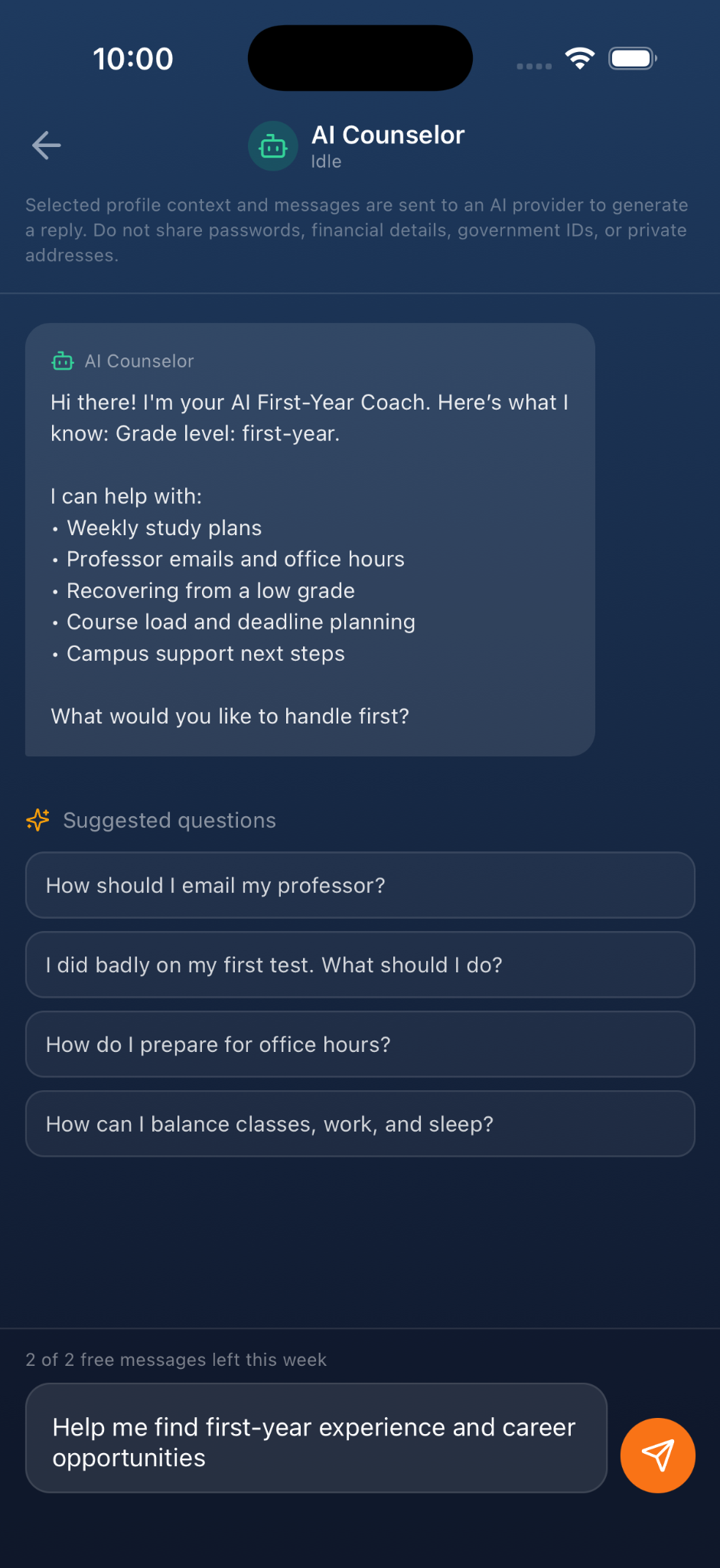
It can help students think through education choices, courses, study planning, applications, and career exploration, and organize questions and next steps. It does not replace a school counselor or official admissions guidance.
Is EduPathway free?
EduPathway offers Free and Premium access. Some features and regions require Premium. Current pricing and subscription details are shown in the app.
Can parents use it to discuss options with their children?
Yes. EduPathway can help students and families review options and identify useful questions to discuss together. This does not imply a separate parent account or parental monitoring.
Where can I find privacy and account-deletion information?
The Privacy Policy and Terms of Service are linked in the footer. Account-deletion information appears there once a verified destination is configured.

Take the next step toward your future.
Explore your options. Organize your plan. Move forward with EduPathway.